Assessment Tracker Tab
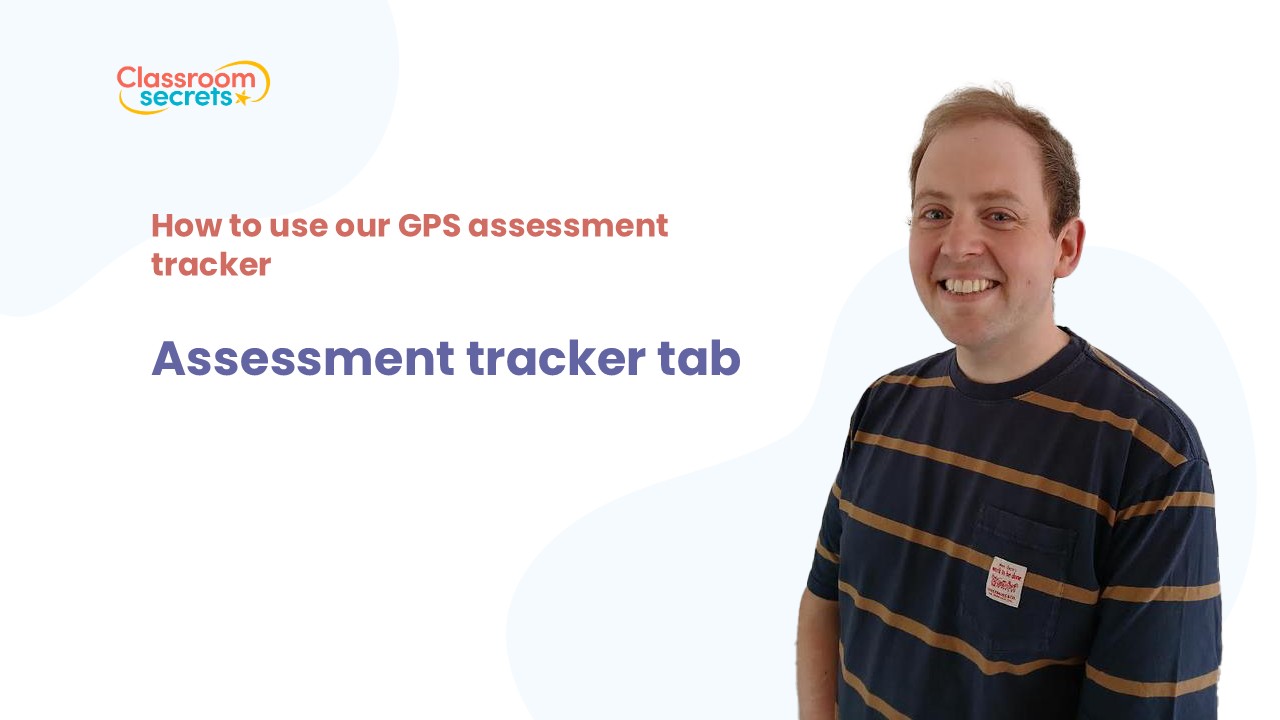
This chapter is only available to eligible users.
Please log in or check your access level to continue.
About this Chapter
On this tab, you will enter whether each pupil got each question of the assessment right or not by using 1 or 0. It will then calculate an overall score and suggested level based on the mark scheme. Information from the register tab will appear here too for your convenience.
Related resources
Trusted by thousands of teachers, tutors and parents, Classroom Secrets is an ever-growing collection of resources which can be used in the classroom and save hours of time.
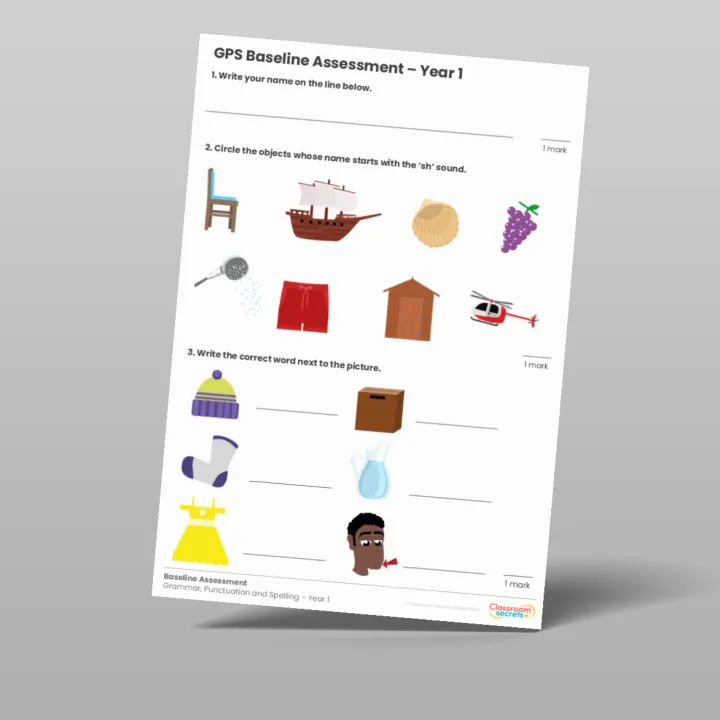
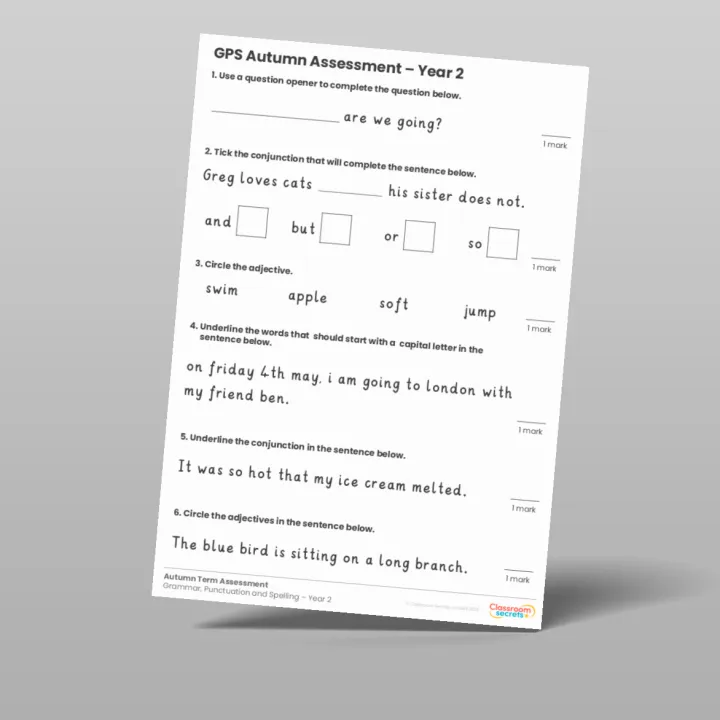
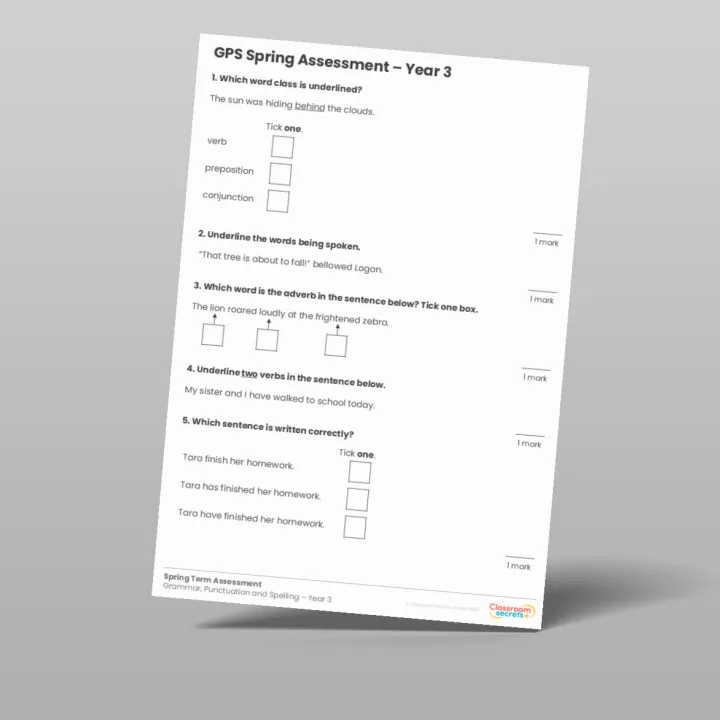
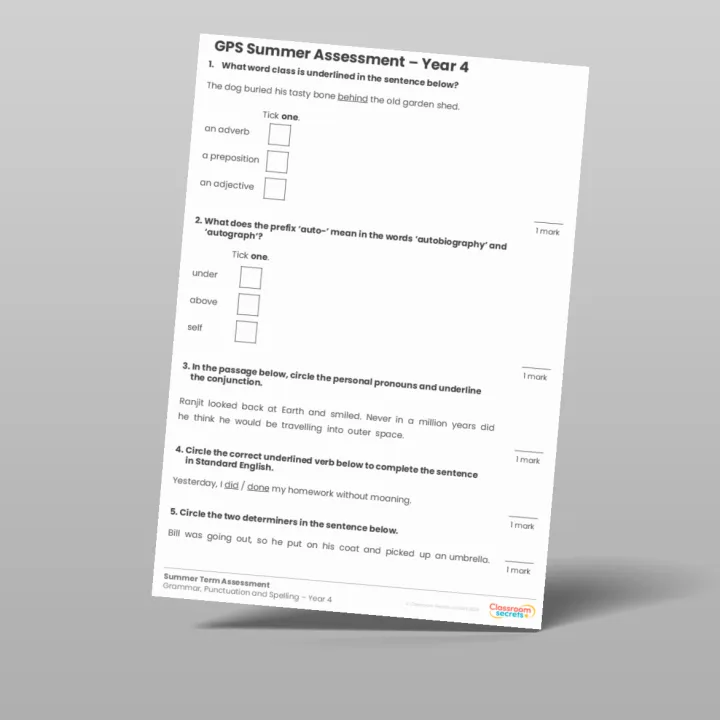
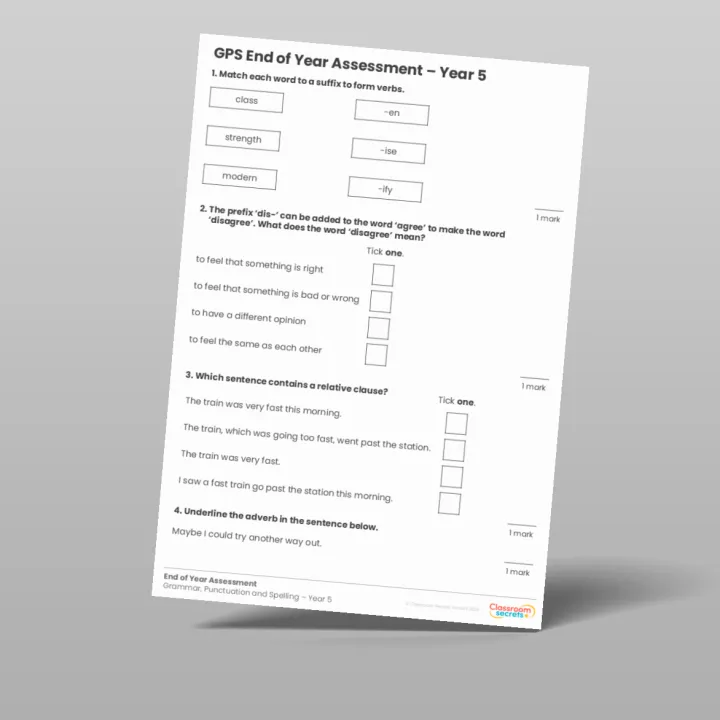
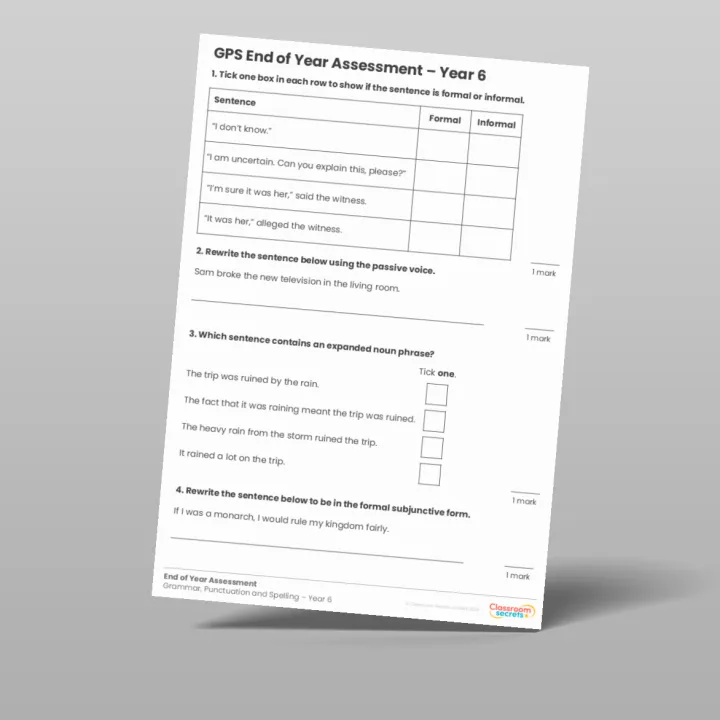
We have created a baseline, autumn, spring, summer and end of year GPS assessment for every year group. These resources allow you to see what your children have learnt each term, if you are following the Classroom Secrets GPS scheme.
Course
How to Use Our GPS Assessment Tracker

Course created by Chris Hyde
Grammar, Punctuation, Vocabulary and Spelling Content Specialist at Classroom Secrets
Course Chapters
Introduction
Introduction
Video 1
Instructions Tab
Video 2
Register Tab
Video 3
Assessment Tracker Tab
Video 4
Error Manager Tab
Video 5
Response Tracker Tab
Video 6
Control Tab
Video 7
Conclusion
Course
How to Use Our GPS Assessment Tracker
Course created by Chris Hyde
Grammar, Punctuation, Vocabulary and Spelling Content Specialist at Classroom Secrets
Course Chapters
Introduction
Introduction
Video 1
Instructions Tab
Video 2
Register Tab
Video 3
Assessment Tracker Tab
Video 4
Error Manager Tab
Video 5
Response Tracker Tab
Video 6
Control Tab
Video 7
Conclusion