x1
![An image of the [object Object] Resource](https://d52m8jhkbaeog.cloudfront.net/featured-images-lq/57674e962c6b64f1462ae1bab0a8a90f3f0c1cd4/57674e962c6b64f1462ae1bab0a8a90f3f0c1cd4.webp)
Select a tag to view relevant resources
Managing Self
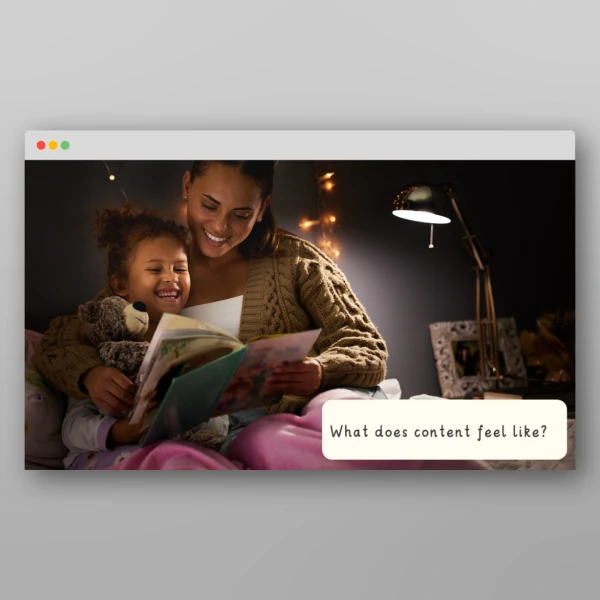
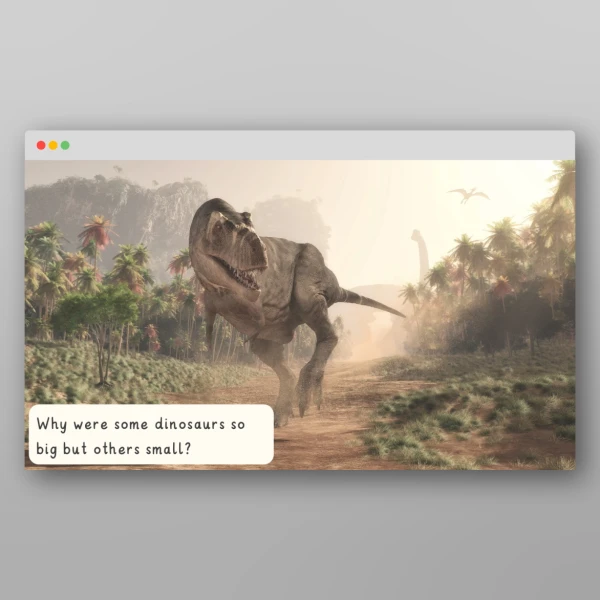
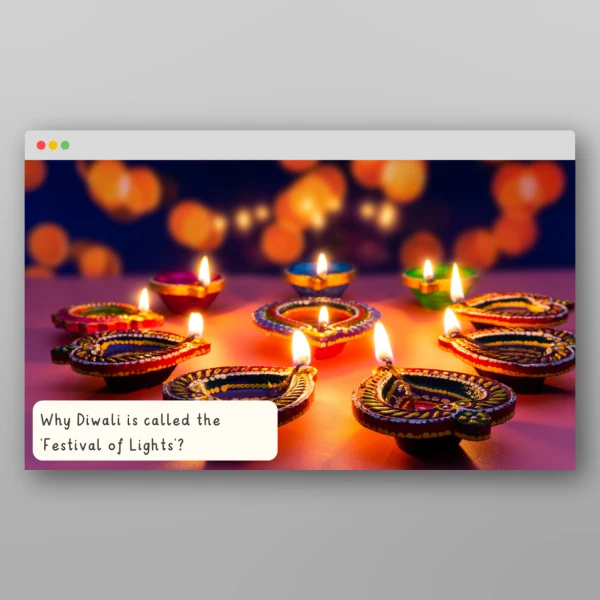
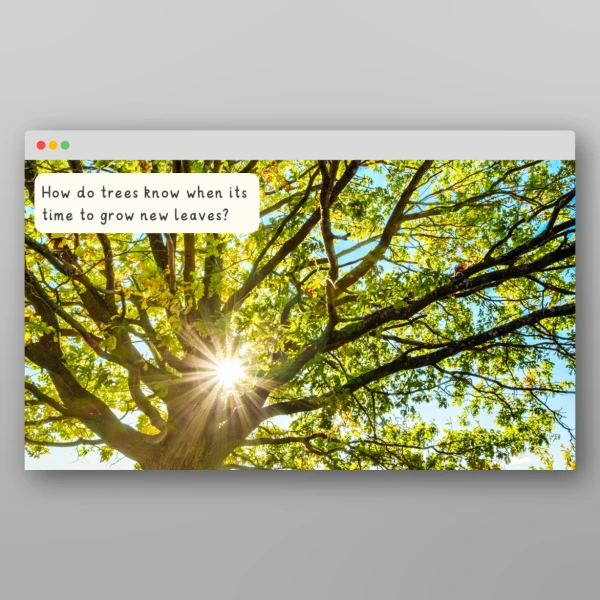
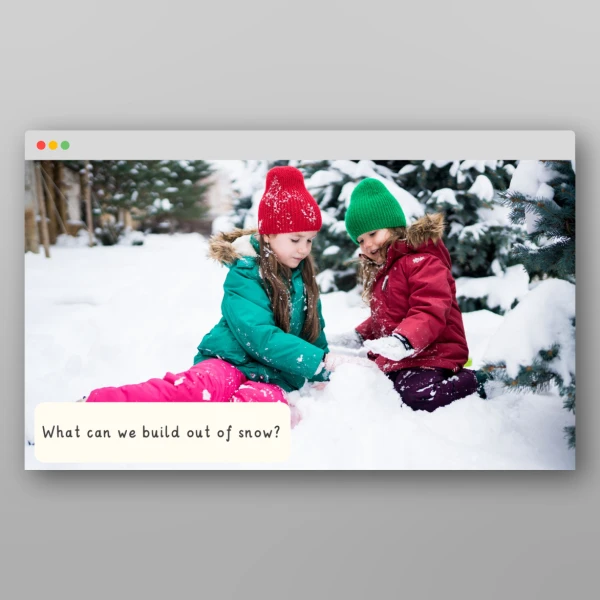
EYFS Kindness I Wonder Discussion Prompts get children thinking and wondering out loud. Each slide shows one full-screen photograph with a single big question, and the slide notes give you follow-up questions, so any adult can lead a rich discussion with no preparation. The content includes a PowerPoint with 8 discussion prompts and an adult guidance slide, covering showing kindness, kind words, sharing, helping someone who is sad, and being kind to animals and plants. They make ideal kindness talk prompts and a carpet-time hook for your kindness topic, developing children's communication and language skills and oracy.
Every slide supports the Early Learning Goals for Listening, Attention and Understanding and Speaking, and the questions also link to Personal, Social and Emotional Development: Self-Regulation and Building Relationships. Children's answers make useful observations to inform your ELG judgements.
The EEF Early Years Toolkit rates communication and language approaches at about +7 months' additional progress, at very low cost.
Questions about how we can show kindness, such as "What words can we say that are kind?"
Questions about how kindness makes us feel, such as "How would you feel if someone shared with you?"
Questions about kindness beyond people, such as "Do plants need kindness?"
Every slide comes with follow-up questions in the notes, such as "Can we show kindness without using words?".
Our I Wonder discussion prompts are a teacher-led PowerPoint for the interactive whiteboard. Show a slide, read the question aloud, give children thinking time, then use the slide notes to extend the discussion. Open the slides in Presenter View so you can see the notes while the class sees only the photo and question. The questions are open by design, so there's no right answer to find: the aim is talk, reasoning and vocabulary. You can also use them:
Try showing the photograph first and asking "What can you see? What do you wonder?" Stretch confident talkers with the follow-up questions in the notes, or simplify by narrowing an open question to a choice (e.g. "Happy or proud?"). Record children's own "I wonder" questions on a Wonder Wall and return to them through books, play and research.
The full-screen photographs give every child something to talk about, so children can point, gesture or use single words before building to sentences. Pair the slides with Makaton or visuals your setting already uses. These simple approaches can also help:
You can explore more of our I Wonder discussion prompts here.
Select a tag to view relevant resources
Managing Self